You need your medication refilled. Now. But calling the pharmacy means waiting on hold, or worse, driving there only to find it’s not ready yet. The old way of refilling prescriptions wastes your time and creates unnecessary stress when you’re already dealing with health concerns.
Most major pharmacies now offer online refill systems that get your prescription ready faster. You can request refills through their websites or apps and pick up your medication the same day. Some even deliver to your door within hours. These digital tools cut out the phone calls and guesswork.
This guide shows you exactly how to refill your prescriptions quickly using online tools. You’ll learn which refill methods work fastest, how to request refills through pharmacy apps and websites, and what specific steps speed up pickup or delivery. We’ll also cover ways to make future refills automatic so you never run out of medication again. By the end, you’ll know how to get your prescriptions filled in record time without leaving your house or waiting in line.
What is a fast pharmacy refill
A fast pharmacy refill is any prescription refill process that gets your medication ready within 24 hours or less, often with same-day pickup or delivery. Instead of calling your pharmacy and waiting 48 to 72 hours, you request the refill through digital channels that process your order immediately. These refills skip the traditional phone queue and manual processing steps that slow down standard refills.
Types of fast refill services
Pharmacies offer several options for fast pharmacy refills. Online refill requests through pharmacy websites let you submit refill orders instantly by entering your prescription number. Mobile apps from major chains like Walgreens, CVS, and Walmart provide one-tap refill buttons with real-time status updates. Auto-refill programs detect when you’re running low and prepare your medication automatically before you even request it. Some independent pharmacies also offer text message refills where you send your prescription number and receive confirmation within minutes.
Typical timeframes for fast refills
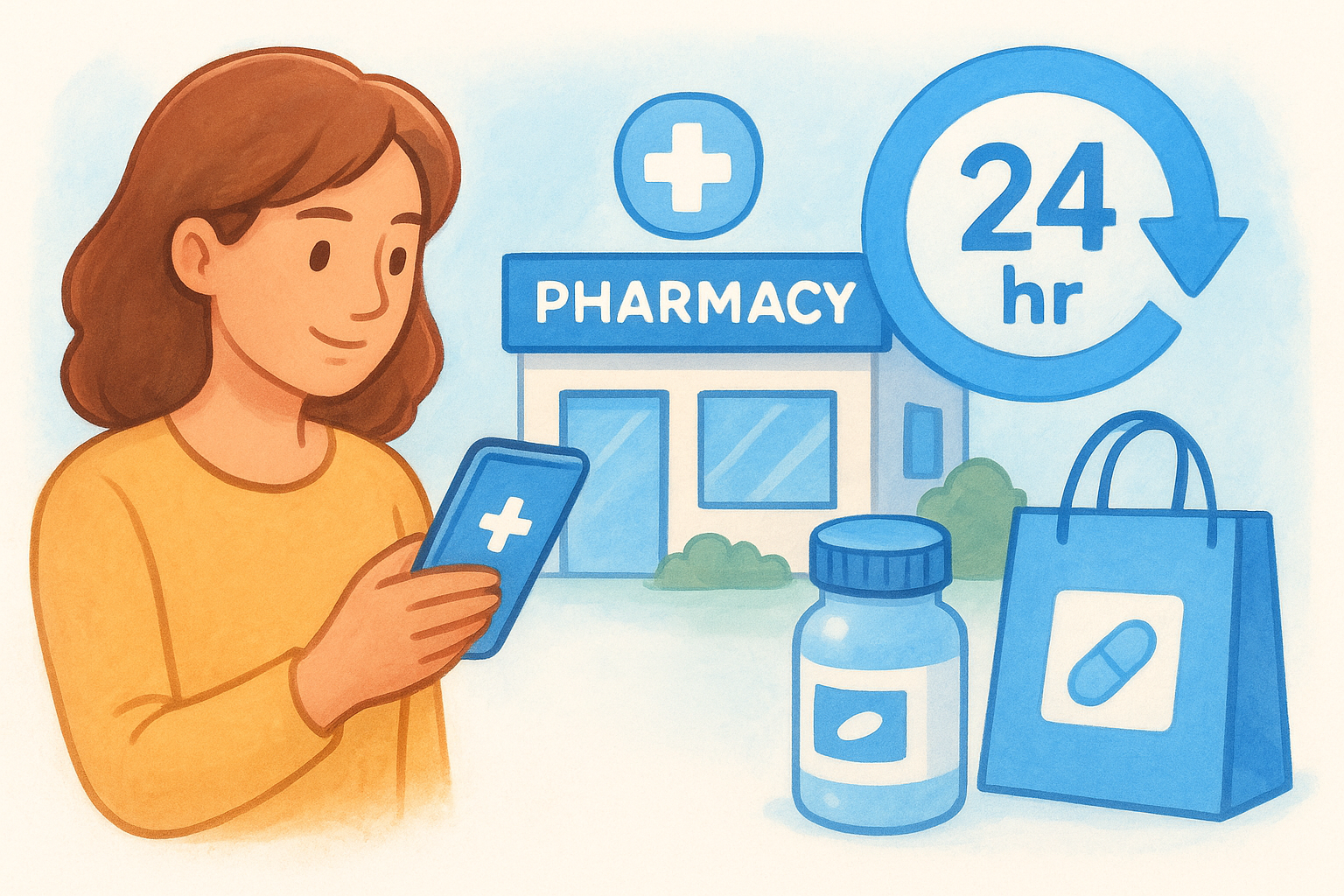
Your medication becomes available faster depending on when and how you order it. Same-day service typically requires you to submit your refill request before noon, with pickup available after 4 PM the same day. Two-hour express service exists at select pharmacy locations for urgent needs, though you may pay an extra fee. Next-morning pickup works when you order after hours, with your prescription ready by 9 AM the following day.
The fastest refills happen when your pharmacy has the medication in stock and receives your request during business hours.
Delivery speeds vary by service, with some pharmacies offering same-day courier delivery within a few hours for local customers.
Step 1. Check what your prescription allows
Before you request fast pharmacy refills, you need to confirm your prescription is actually eligible for a refill. Not every medication can be refilled on demand. Your prescription comes with specific limits on refill counts and expiration dates that determine whether you can get it filled immediately or need to contact your doctor first. Checking these details upfront saves you from submitting a refill request that gets rejected hours later.
Check your refill count and expiration
Look at your prescription label to find the refill information printed near the bottom. You’ll see a line that says something like "Refills: 3" or "No refills remaining." Your prescription also includes an expiration date, typically one year from the date your doctor wrote it. Once that date passes, the pharmacy cannot legally refill your medication even if refills remain.
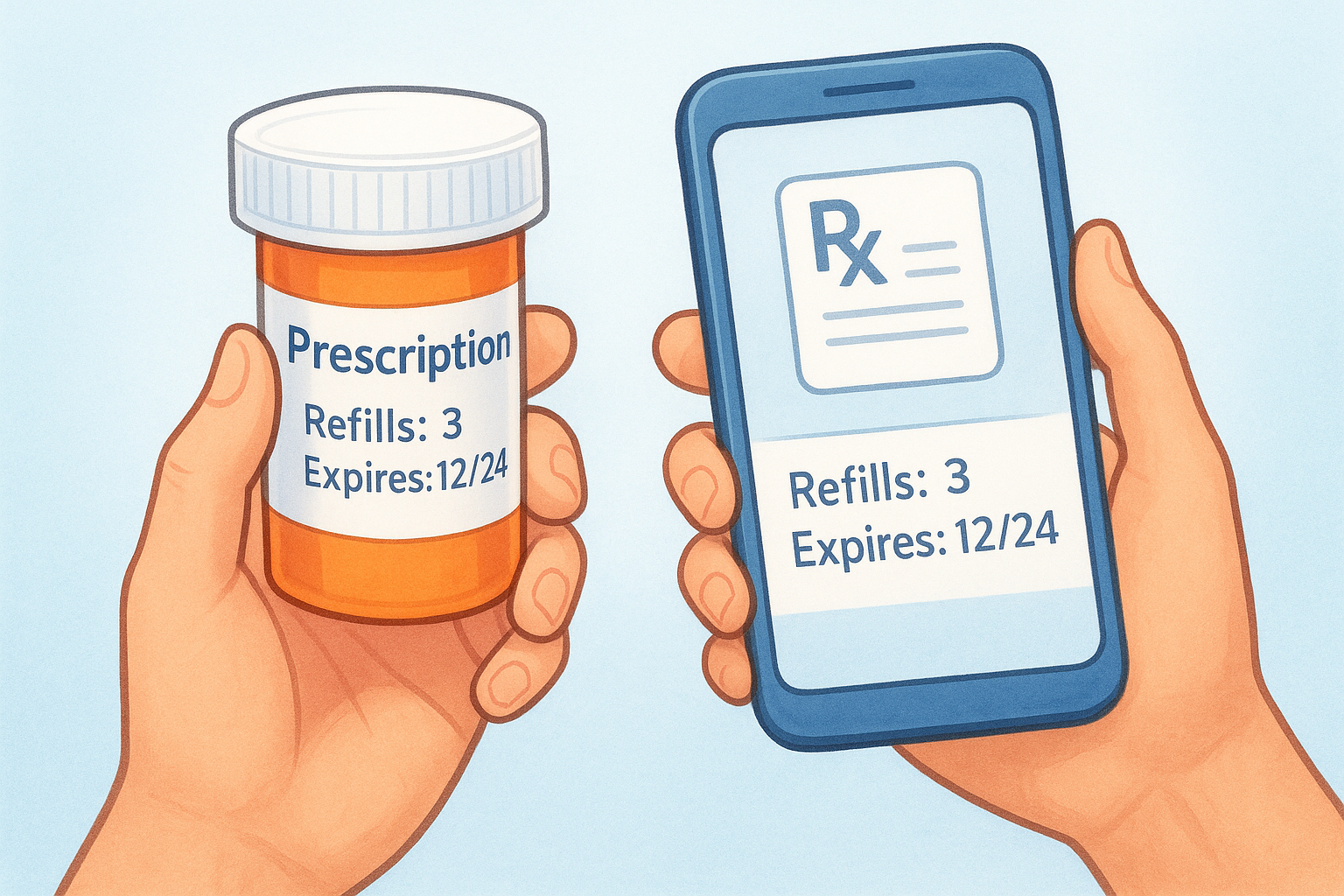
You can also check this information through your pharmacy’s mobile app or website by logging into your account and viewing your active prescriptions. Most apps display refill counts and expiration dates next to each medication name. If you see "0 refills" or an expired date, you need to request a new prescription from your doctor before the pharmacy can process any refill request.
Call your doctor’s office immediately if your prescription expired or has no refills left, as getting a new prescription typically takes 24 to 48 hours.
Verify insurance and prior authorization status
Check whether your insurance plan covers the medication at your preferred pharmacy. Some plans require you to use specific pharmacy networks or mail-order services for certain prescriptions. Log into your insurance company’s website and search your medication in their formulary tool to confirm coverage and any restrictions.
Certain medications require prior authorization from your insurance before they approve the refill. If your medication needs this approval and you haven’t received it yet, your refill will get delayed regardless of how fast you submit the request. Contact your insurance and doctor simultaneously to expedite the authorization process, as this paperwork can take several business days.
Step 2. Choose the fastest refill option
Your pharmacy offers multiple ways to refill prescriptions, but they don’t all work at the same speed. Online refills through pharmacy websites or apps deliver the quickest results because they bypass phone queues and human processing delays. Auto-refill programs work even faster by preparing your medication before you realize you need it, but they only help after your first manual refill. Understanding which method gets your medication ready soonest helps you make the right choice based on how urgently you need your prescription.
Compare refill speeds by method
Different refill methods process your request at varying speeds. Mobile apps typically deliver the fastest confirmation times, with most major pharmacy chains acknowledging your refill request within 5 to 15 minutes. Online website refills through your computer take slightly longer, usually 15 to 30 minutes for confirmation, because these systems handle higher traffic volumes than mobile platforms.
Phone refills remain the slowest option, requiring 2 to 48 hours for processing depending on call volume and staffing levels. Auto-refill programs eliminate wait times entirely by detecting when you have 7 to 10 days of medication remaining and automatically preparing your next supply. Drive-through or in-person refill requests get processed within 1 to 4 hours, though you waste time traveling to the pharmacy.
| Refill Method | Processing Speed | Best For |
|---|---|---|
| Mobile app | 5-15 minutes | Same-day urgent needs |
| Website portal | 15-30 minutes | Planned refills |
| Auto-refill program | Automatic (7-10 days advance) | Regular medications |
| Phone request | 2-48 hours | No internet access |
| In-person drop-off | 1-4 hours | Emergency situations |
Pick based on your urgency level
Choose your refill method based on when you need the medication. Urgent refills (needed within 24 hours) require mobile app submissions before noon to guarantee same-day pickup at most pharmacies. Submit these requests early in the morning to avoid afternoon processing backlogs that could delay your order until the next business day.
Planned refills (3 to 5 days in advance) work well through any online method, including websites or apps. You avoid rush fees and ensure your pharmacy has time to order the medication if they’re temporarily out of stock. Regular medications you take daily benefit most from auto-refill enrollment, which provides the fastest pharmacy refills by removing manual steps entirely.
Pharmacies process requests faster during weekday mornings (9 AM to 11 AM) compared to lunch hours, evenings, or weekends when staffing levels drop.
Emergency situations requiring medication within 2 hours demand in-person visits or phone calls directly to the pharmacy, where you can explain your urgent need and request expedited processing.
Step 3. Request your refill online or by app
You can request fast pharmacy refills through digital channels in minutes once you have your prescription information ready. Mobile apps and pharmacy websites both connect directly to your pharmacy’s system, triggering immediate processing of your refill request. These digital methods work faster than phone calls because they skip the manual data entry that pharmacists must perform when taking orders over the phone. Most major pharmacy chains process online refill requests within 15 minutes during business hours.
Locate your prescription number
Your prescription number appears on the medication bottle label, usually near the barcode as an 8 to 12 digit code. Look for text that says "Rx#" or "Prescription Number" followed by numbers. This unique identifier tells the pharmacy exactly which medication to prepare. Write down this number before you start the refill process to avoid retyping it multiple times.
Some pharmacy apps let you scan the barcode on your bottle using your phone’s camera instead of typing the prescription number manually. This feature eliminates typos that could delay your refill or send the wrong medication to the counter.
Submit through pharmacy mobile apps
Download your pharmacy’s official app from the Apple App Store or Google Play Store and create an account using your phone number and date of birth. Most apps verify your identity by matching this information against prescriptions already on file at your location.
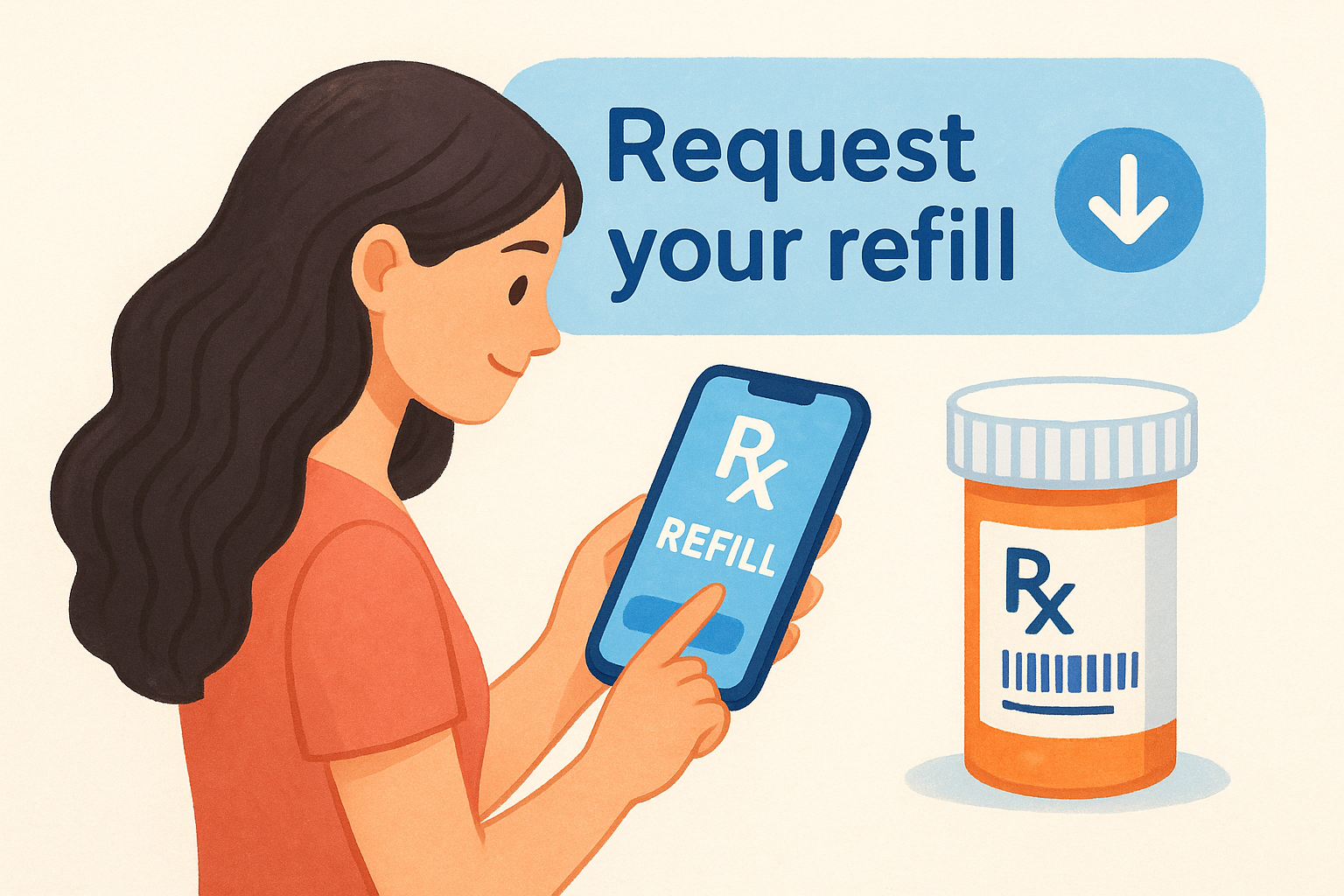
Follow these steps to submit your refill request through the app:
- Tap "Refill Prescriptions" or "Refills" on the home screen
- Select medications from your active prescription list, or scan bottle barcodes
- Choose your preferred pickup location if you use multiple pharmacy branches
- Confirm your contact information for text alerts
- Submit the request and note the estimated ready time
The app sends you push notifications when your prescription is ready for pickup, typically 2 to 6 hours after submission depending on pharmacy workload.
Submit through pharmacy websites
Visit your pharmacy’s website and log into your existing account, or create one by entering your name, date of birth, and phone number exactly as they appear in your pharmacy records. The system matches this data to your prescription history.
Complete these steps to request your refill online:
- Click "Refill Prescriptions" in the main navigation menu
- Enter your prescription number in the refill request form
- Verify the medication name and dosage match your bottle
- Select your pickup time preference (ASAP or scheduled)
- Click "Submit Refill Request" and save your confirmation number
Always save your confirmation number or screenshot the confirmation page, as you may need to reference it if the pharmacy has questions about your order.
Your pharmacy sends email confirmations with estimated ready times within 30 minutes of your submission.
Step 4. Speed up pickup and delivery
After you submit your refill request, your pharmacy still needs to physically prepare your medication and make it available for pickup or delivery. You can cut this wait time significantly by enabling text alerts, choosing express options, and selecting the fastest delivery method for your situation. These strategies turn a standard 4 to 6 hour wait into a 1 to 2 hour turnaround for fast pharmacy refills.
Enable text and push notifications
Turn on SMS text alerts in your pharmacy app or website account settings to receive instant updates when your prescription moves through processing stages. Most pharmacies send you a text within 15 to 30 minutes of preparing your medication, rather than making you check the app repeatedly. You receive immediate confirmation that your order is ready for pickup instead of arriving at the pharmacy only to find it’s still being filled.
Enable push notifications on your mobile device to get real-time status changes without checking your phone constantly. These alerts tell you exactly when the pharmacist completes your order, when it’s bagged and ready at the counter, and if any delays occur.
Pharmacies that offer text alerts typically fill prescriptions 30% faster because these systems prioritize orders from customers who want immediate updates.
Choose express pickup windows
Select two-hour express pickup when your pharmacy offers this option during checkout. This service guarantees your medication will be ready within 120 minutes of submission, compared to the standard 4 to 6 hour window. Some pharmacies charge $5 to $10 for express processing, but others include it free for prescription transfers or loyal customers.
Schedule your pickup for early morning hours (8 AM to 10 AM) when pharmacies handle fewer customers and process orders faster. Afternoon and evening pickups often face delays from lunch rush traffic and shift changes.
Request same-day delivery
Order same-day courier delivery through pharmacy apps if you can’t leave home and need medication urgently. Services like CVS, Walgreens, and independent pharmacies partner with local delivery services to bring prescriptions to your door within 1 to 3 hours for orders placed before 2 PM. Delivery typically costs $8 to $15, though some insurance plans cover this fee for maintenance medications.
Use drive-through pickup lanes instead of walking inside to save 10 to 15 minutes of waiting time. You skip the in-store line and receive your medication directly at your car window.
Step 5. Make future refills effortless
You can eliminate manual refill requests entirely by setting up automatic systems that prepare your medications before you run out. These automation tools prevent last-minute scrambles and ensure you always have your prescriptions ready when you need them. Most pharmacies offer multiple options to streamline future refills without requiring you to remember submission deadlines or prescription numbers.
Enroll in auto-refill programs
Sign up for your pharmacy’s auto-refill program to receive fast pharmacy refills without lifting a finger. This service monitors your prescription history and automatically prepares refills 7 to 10 days before you exhaust your current supply. Your pharmacy texts or calls you when each refill is ready for pickup, giving you time to decline refills you no longer need.
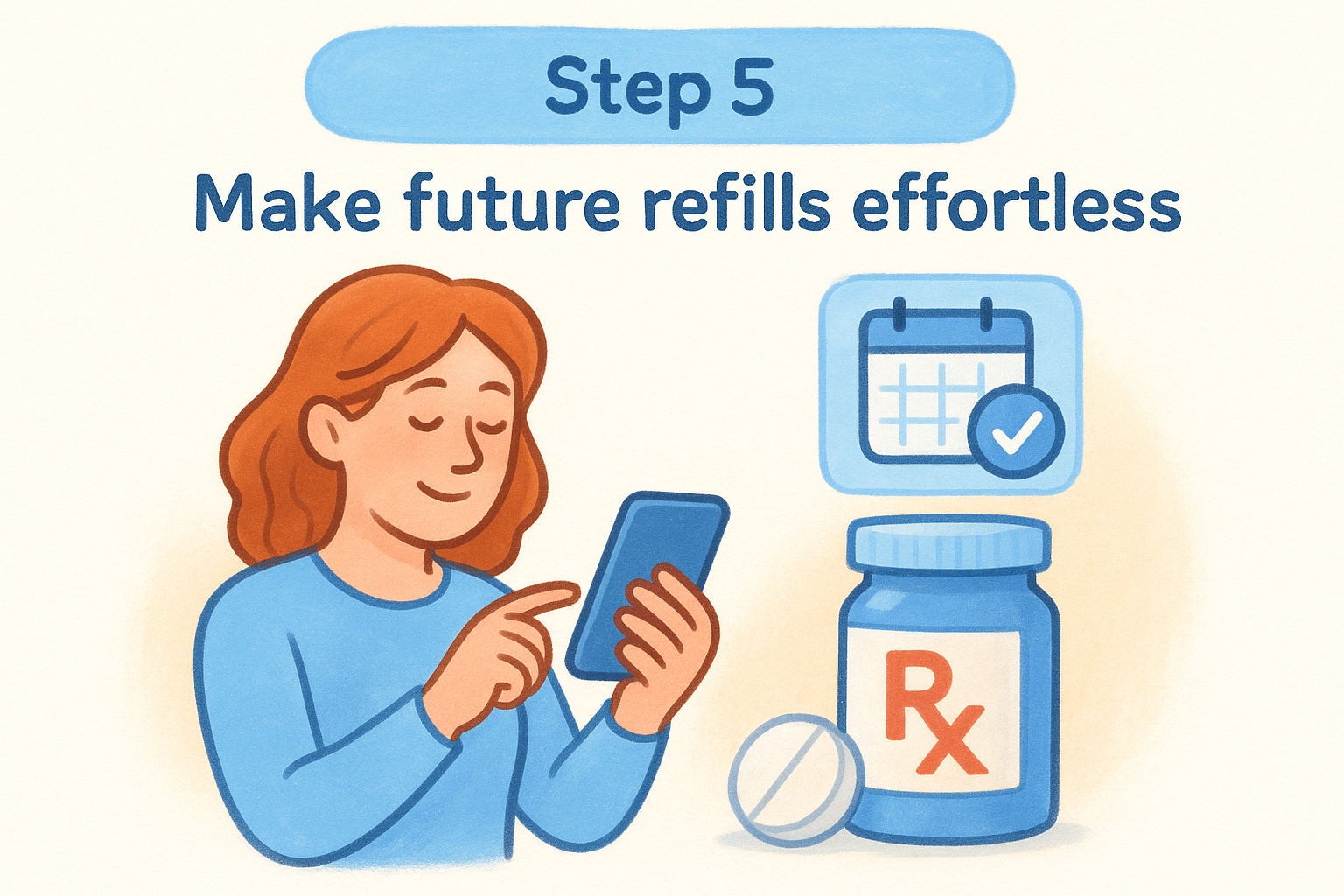
Access auto-refill enrollment through your pharmacy app or website by navigating to your prescription list and toggling on the "Auto-Refill" switch next to each medication. You can also ask the pharmacist to enroll specific prescriptions during your next pickup visit.
Patients enrolled in auto-refill programs miss 60% fewer doses compared to those who request refills manually, according to pharmacy adherence data.
Set custom refill reminders
Create smartphone calendar alerts for prescriptions not eligible for auto-refill, such as controlled substances or antibiotics. Set these reminders for 5 days before you take your last dose to allow processing time. Your phone’s native calendar app works perfectly for this purpose.
Program reminders with these specific details:
- Event title: "Refill [medication name]"
- Date: 5 days before supply ends
- Notes: Prescription number and pharmacy phone number
Use your pharmacy app’s built-in reminder feature as a backup notification system that syncs directly with your prescription records and adjusts automatically when refill dates change.

Refill faster starting today
You now have everything needed to get fast pharmacy refills through online systems and same-day pickup services. Start by checking your prescription details and refill counts, then submit your request through your pharmacy’s mobile app or website within minutes. Enable text notifications to track order status in real time and choose express pickup windows when you need medication urgently. Auto-refill programs eliminate future manual requests entirely.
Your local independent pharmacy offers these same conveniences with more personalized attention. Discover how we make prescription refills simple while providing expert guidance and community care that large chains cannot match.